WiseCord
Discord Analytics Apps, Reviewed (2026)

Part of the Discord admin tools guide
This article is one chapter. The full picture, with the product walkthrough and the comparison table, is on the Discord admin tools page.
The best Discord analytics setup usually isn't one app, it's a stack: Discord's built-in Server Insights for official growth and retention data on Community servers, an analytics bot like Statbot for message-level activity, and a monitoring tool like WiseCord for real-time join alerts and member-list export. This guide reviews each category honestly so you can pick the right combination for your community.
It's written for Discord community operators, moderators, and paid-community owners who want to understand what's actually happening in their servers, not just guess.
What "Discord Analytics" Actually Means
Before comparing apps, it helps to separate the different kinds of data people lump under "analytics," because no single tool does all of them well:
- Growth data — how many members joined or left over time, and where they came from (invites).
- Engagement data — messages sent, active channels, voice minutes, and who your most active members are.
- Retention data — how many new joiners are still around a week or a month later.
- Member data — the actual roster: usernames, IDs, roles, join dates, and account age.
Native Discord tools and analytics bots are strong on growth, engagement, and retention charts. They are weaker at giving you the raw member roster as a file you can work with. That gap is where mobile monitoring and export tools fit in. Knowing which bucket you actually need saves you from paying for features you'll never open.
The Three Categories of Analytics Tools
1. Native Discord analytics. Built into Discord itself, no third party required, but locked to servers that meet certain conditions. 2. Analytics bots. Third-party bots you add to a server you administer; they read activity and render dashboards on a website. 3. Monitoring and export tools. Apps that run from your own account to track joins and pull member data, including on servers you don't own. Most serious operators end up using at least two of the three.
App Reviews
Discord Server Insights — Best Official Growth Data
This is Discord's own analytics panel, available in Server Settings for servers that have Community mode enabled (which itself requires meeting Discord's setup rules, like a rules channel and content filtering). It shows membership growth, retention cohorts, message and voice activity, and where new members are coming from.
Strengths:
- Free, official, and pulls directly from Discord's own data, so there's nothing more accurate.
- Retention and "welcome funnel" charts you can't easily reproduce elsewhere.
- No bot to add and no permissions to manage.
Limitations:
- Only exists for Community-enabled servers, and only for admins of those servers.
- No real-time notifications, it's a dashboard you check, not something that alerts you.
- Export options are limited, and you can't get a clean member roster out of it.
Best for: owners of larger, Community-enabled servers who want trustworthy trend data.
Statbot and Analytics Bots — Best for Message Activity
Bots such as Statbot, and to a lesser extent leveling bots like Arcane and MEE6, track message counts, active channels, voice minutes, and member leaderboards, then present them on a web dashboard. They're the standard answer when someone wants to know "who talks the most" or "which channels are dead."
Strengths:
- Detailed channel-by-channel and per-member activity breakdowns.
- Leaderboards and role-reward automation many communities enjoy.
- Historical charts that keep accumulating once the bot is running.
Limitations:
- You must have permission to add a bot, so this only works on servers you administer.
- Data collection starts the day you add the bot; there's no backfill of past activity.
- Dashboards live on the bot's website, not your phone, and there are no push alerts for individual joins.
Best for: server owners who want deep engagement metrics and don't mind managing bot permissions.
WiseCord — Best for Join Alerts and Member Export
Here's the honest positioning: WiseCord is not a charts-and-graphs analytics dashboard. It's an Android app focused on two things the tools above handle poorly, real-time join alerts and member-list export. Because it runs from your own Discord account rather than as a server bot, it works on servers you're a member of even when you're not the owner and can't add bots.
Strengths:
- Push notifications the moment someone joins a monitored server, useful for spotting growth spikes or raid activity in real time.
- Exports the member list to Excel (.xlsx) or CSV with username, user ID, nickname, roles, join date, and account-creation date, plus one-tap username copy.
- 24/7 cloud monitoring on Pro keeps tracking joins even when the app is closed or your phone is off.
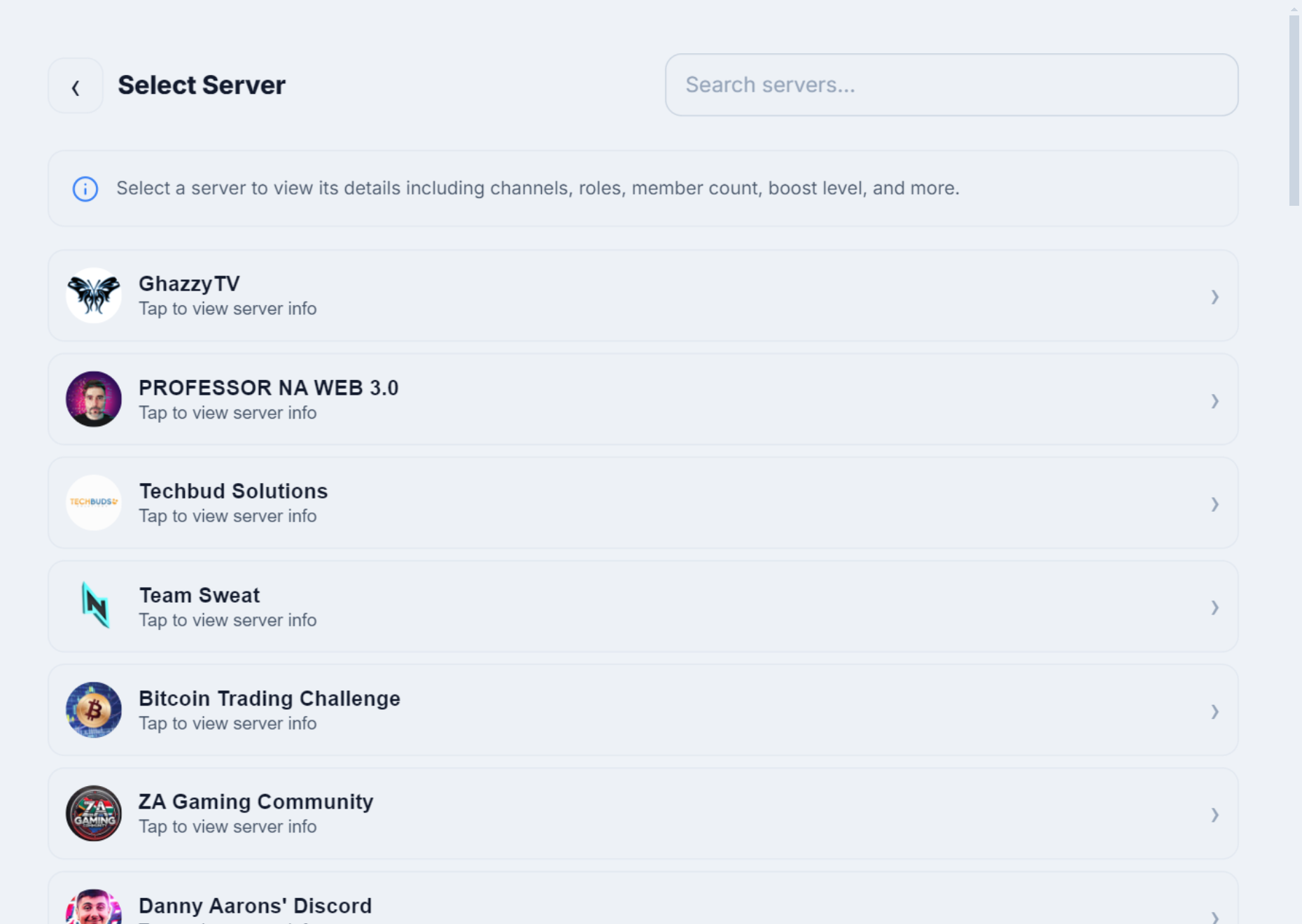
- Server discovery and message search.
Limitations:
- Android only for now, and a direct APK download rather than a Play Store listing (a VirusTotal scan is linked on the download page).
- It exports members visible to your account. Discord shows online and recent members by default, and very large servers take longer because extraction is deliberately rate-limited.
- It doesn't produce engagement or retention charts, that's what you'd pair Server Insights or an analytics bot for.
Best for: operators who need real-time alerts and a portable member roster, especially across servers they don't own. See plans and the free trial if that fits your workflow.
Side-by-Side Comparison
| Tool | Main strength | Real-time alerts | Member export | Works on servers you don't own |
|---|---|---|---|---|
| Discord Server Insights | Official growth & retention charts | No | No | No (admin only) |
| Statbot / analytics bots | Message & activity metrics | No | Limited | No (must add bot) |
| WiseCord | Join alerts & roster export | Yes (push) | Yes (Excel / CSV) | Yes (member view) |
| Manual counting | Free, no tools | No | Copy-paste only | Yes, but slow |
How to Choose (and Combine) Tools
Don't ask "which app is best?" Ask "which questions do I need answered?" and map each one to a tool:
- "Is my community growing and are people sticking around?" — Enable Community mode and use Server Insights. Nothing beats official data for trend lines.
- "Who's actually active and which channels are dead?" — Add an analytics bot like Statbot to servers you administer.
- "Did we just get a wave of joins, and who exactly are these new members?" — Use a real-time monitor like WiseCord for the alert, then export the roster to spot patterns. Pair this with our guides on tracking server activity and reading your analytics.
A practical routine for a paid-community operator: check Server Insights weekly for the big picture, let WiseCord alert you to joins in real time throughout the day, and export the member list to Excel at month-end to reconcile paid subscribers against who's actually in the server. Our member export walkthrough covers that last step in detail.
Frequently Asked Questions
Does Discord have built-in analytics?
Yes. Discord's Server Insights panel provides membership growth, retention, and activity charts, but only for servers with Community mode enabled, and only to admins of those servers. Smaller or non-Community servers don't get it, which is why many operators layer on third-party tools.
Do analytics bots need special permissions, and are they safe?
Analytics bots require you to invite them to a server you administer and grant permissions so they can read activity. They're generally safe when you use well-known bots, but you can only use them on servers you own or manage, not on communities where you're just a member. Grant the minimum permissions the bot actually needs.
Can I get analytics on a server I don't own?
Native Insights and bots both require admin access, so no. Tools that run from your own account, like WiseCord, are the exception: they can track joins and export the members visible to your account on any server you've joined. The trade-off is that you get roster and join data rather than deep engagement charts.
Is WiseCord an analytics dashboard?
No, and it's worth being clear about that. WiseCord doesn't render engagement or retention graphs. It's a monitoring and export app: real-time join alerts, 24/7 cloud monitoring, and member-list export to Excel or CSV. Think of it as the tool that answers "who joined and who's on the roster," which you pair with a charts tool for "how engaged are they."
Are these tools free or paid?
Server Insights is free but gated behind Community mode. Analytics bots typically offer a free tier with paid upgrades for history and features. WiseCord is a paid app (Basic and Pro plans) with a free trial, so you can test the join alerts and export before committing.
Will using an analytics or monitoring tool get my account banned?
Native Insights and server bots operate through Discord's official channels and carry no account risk. Account-based tools carry more responsibility, which is why WiseCord works through your own account at an unhurried pace rather than hammering the platform. Use any tool at a sensible pace and follow Discord's Terms of Service. For a deeper look, see our roundup of monitoring tools.
The Bottom Line
There's no single "best Discord analytics app," because the tools answer different questions. For official growth and retention data, use Server Insights. For message-level engagement, add an analytics bot. And for real-time join alerts plus a portable member roster you can actually work with in a spreadsheet, WiseCord fills the gap the other two leave open, especially on servers you don't own. If that last piece is what's missing from your setup, you can download WiseCord and try the alerts and export on your own servers first.