WiseCord
What people mean by "Discord scraper"
Three jobs hide behind the phrase. A member scraper pulls the roster of a server: who is in it, with IDs and join dates. A message scraper pulls the history of a channel. A server scraper pulls the structure: channels, roles, counts. Operators usually want the first, researchers the second, and both want it in a spreadsheet.
Discord has no export for any of these. Every scraper is a workaround, and the workarounds split into two families that look similar and behave very differently.
Why pasted-token scrapers get accounts banned
Most scripts on GitHub, most Apify actors and most "Discord scraper" browser extensions ask for your user token: the secret your browser uses to prove it is you. With that token, a script can call Discord's internal API directly and hammer it for members and messages. Discord's rules call that a self-bot, its anti-abuse systems are built to spot it, and the usual outcome is a locked or banned account. The token is also a full set of keys to your account, handed to code you did not write, often running on a server you do not control.
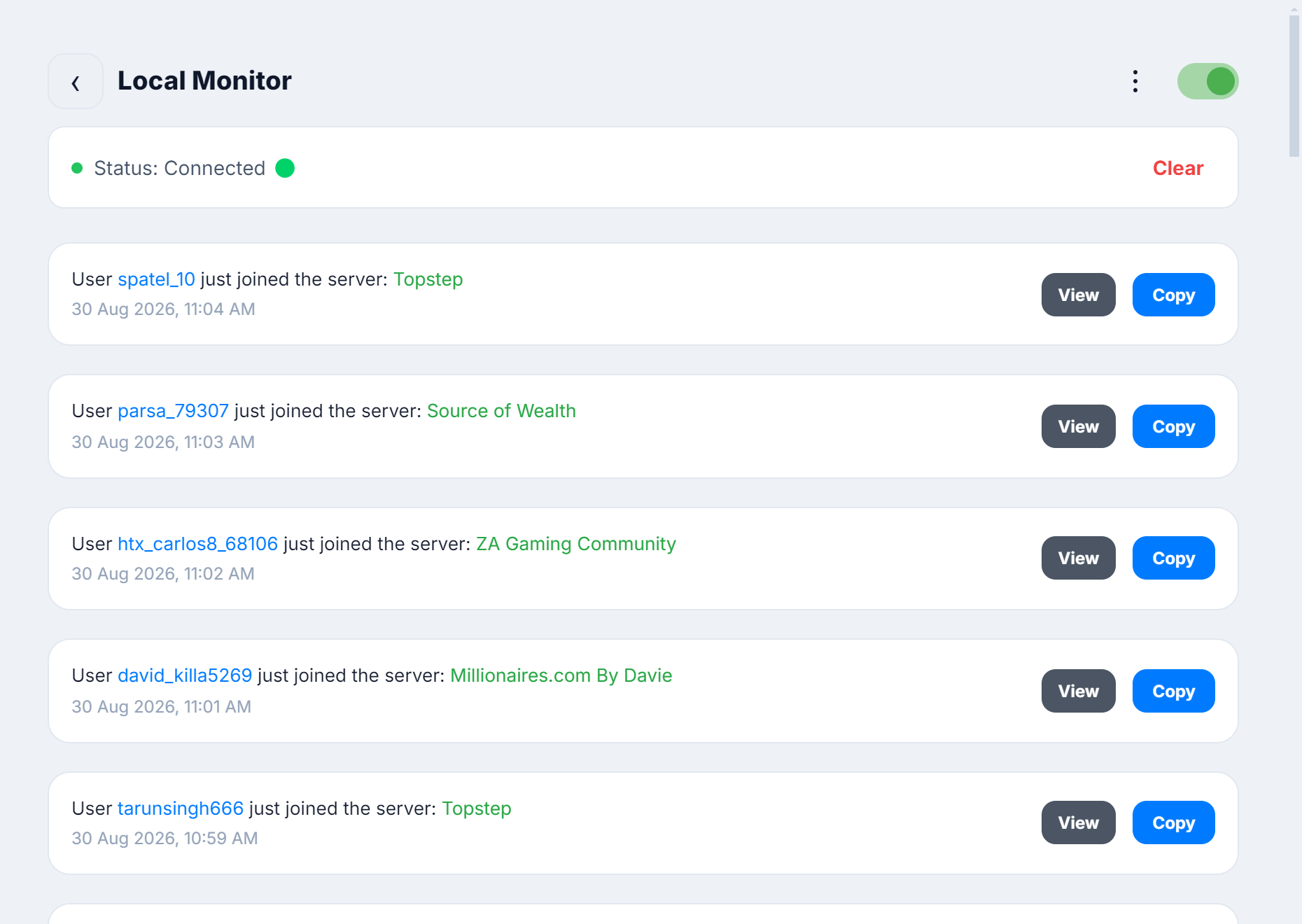
The second family signs in as you and reads the data the way your own client does: opening the server, rendering the member list, scrolling the channel. Every Discord client, the official one included, holds your session token to do that. The difference is where it lives: on your device, encrypted, instead of copied into someone else's code. Nothing hits an endpoint your client would not hit, and nothing moves faster than a person could. That is how WiseCord works. Operators call it a bot because it does a bot's job, but there is nothing to invite and no token to paste anywhere.
Scraper options compared
| Option | Where your token goes | Runs where | Members | Messages | Ban risk |
|---|---|---|---|---|---|
| WiseCord | Stays on your device, from a normal sign-in | Your device (cloud monitoring on Pro) | Yes, with IDs, roles, join dates | Yes, grouped by author | Low |
| GitHub scraper scripts | Pasted into the script | Your machine | Yes | Yes | High |
| Apify Discord actors | Pasted into Apify's cloud | Apify cloud | Yes | Yes | High |
| Thunderbit, Axiom (AI scrapers) | Read from your browser session | Browser extension | Partial | Partial | Medium |
| Chrome extensions (DiscordKit, dSaver) | Read from your browser session | Browser extension | Yes | Some | Medium |
| Invited bot + your own code | Bot token, not yours | Your server | Yes, only servers you admin | Yes, only servers you admin | Low |
The detailed review, with pricing and output formats, is in Discord member scraper tools compared. If you are weighing Apify specifically, read WiseCord vs Apify.
Scraping members: what you get
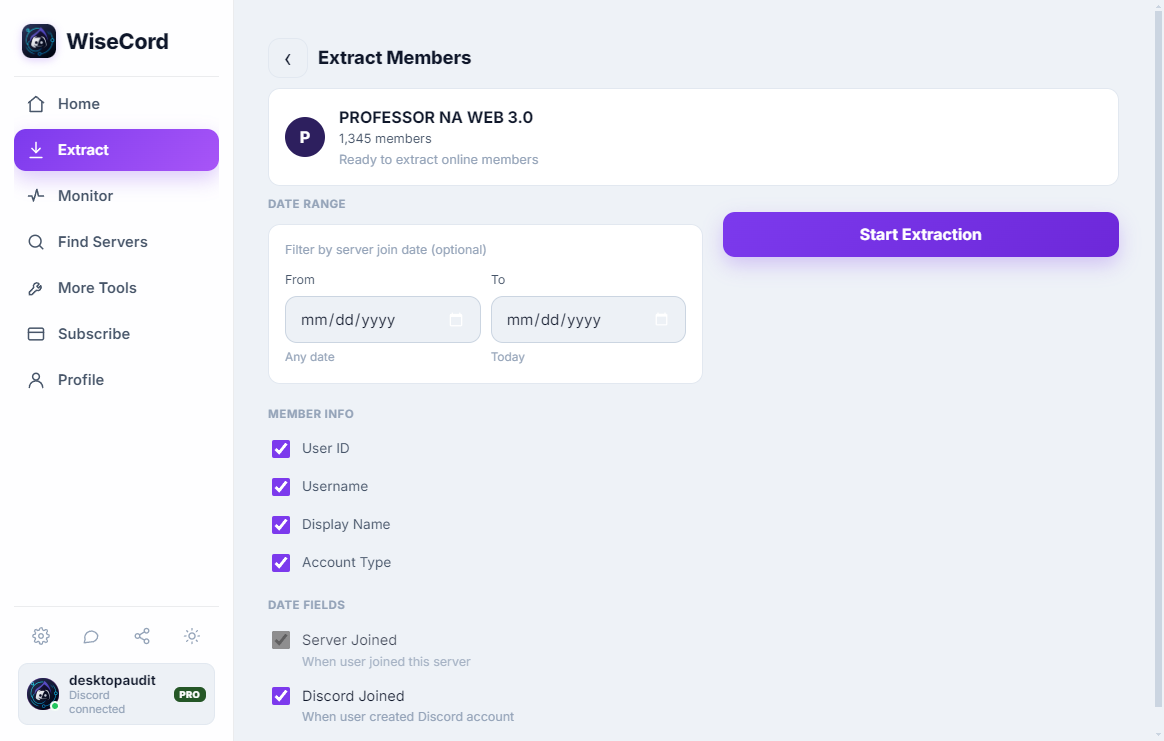
For every member your account can see: user ID, username, display name, whether it is a bot, roles, the date they joined this server and the date the account was created. Bots are filtered out before the export runs. IDs are written as text so Excel does not round them. There is no cap on export size. The full walkthrough lives on the Discord member list page.
Scraping messages and channels
Message extraction opens a channel your account can read and collects the history into a table: author, timestamp, content, attachments if you want them. Grouping by author turns ten thousand messages into a ranked list of who actually talks. Keyword search finds the threads that matter. It is the practical answer to "discord channel scraper" for anyone who does not want to write against the API.
Where the scraping stops
WiseCord reads what you can already see. It cannot join a server for you, it cannot read channels hidden from your role, it does not show members Discord hides from the sidebar on very large servers, and it never exposes emails, IPs or locations because Discord does not expose them to anyone. If a tool promises more than that, it is either using a banned method or making it up.
Keeping the account you scrape with
Reading is safe. Acting on it too fast is not. Discord's caps on friend requests and DMs are where accounts get flagged, so the app enforces per-server copy limits and a friend-request cap by default. Keep outreach at a human pace and follow the account safety guide.