WiseCord
Three things "Discord tracking" can mean
The phrase covers three different jobs, and the tools for each are different.
Member tracking
Who is in the server, who joined, who left, and when. This is what community operators mean most of the time, because a new member is a new conversation and the first person to start it usually wins. Discord shows owners a welcome message and an audit log; members see nothing unless they happen to be looking at the sidebar.
Activity tracking
Who actually posts, in which channels, and how often. Useful for finding the fifty engaged people in a five-thousand-member server. Discord's own Server Insights gives owners a version of this; for everyone else it means reading the messages your account can open.
User tracking
People also search for a Discord user tracker hoping to follow one account: where they are, when they are online, which servers they are in. Most of that is not possible for anyone. Discord does not expose location, IP or a cross-server presence to other users. What can be tracked about a user is what your account can see of them: their profile, when their account was created, when they joined a server you share, and what they post where you can read it.
Tracking a server you own vs one you joined
| Signal | Server you own | Server you only joined |
|---|---|---|
| Welcome message on join | Yes, system channel | Only if the owner turned it on, and easy to miss |
| Audit log of joins and leaves | Yes | No |
| Server Insights (growth, activity) | Yes, on eligible servers | No |
| Invited bots (join loggers, stats bots) | Yes | No, you cannot invite them |
| Account-based monitor (WiseCord) | Yes | Yes |
The last row is the whole reason this page exists. Everything Discord offers is gated behind Manage Server. An account-based tracker is the only category that works on the servers you did not create, which for most operators is all of them.
How WiseCord tracks a server
- Install on Windows, macOS or Android and sign in with your Discord account.
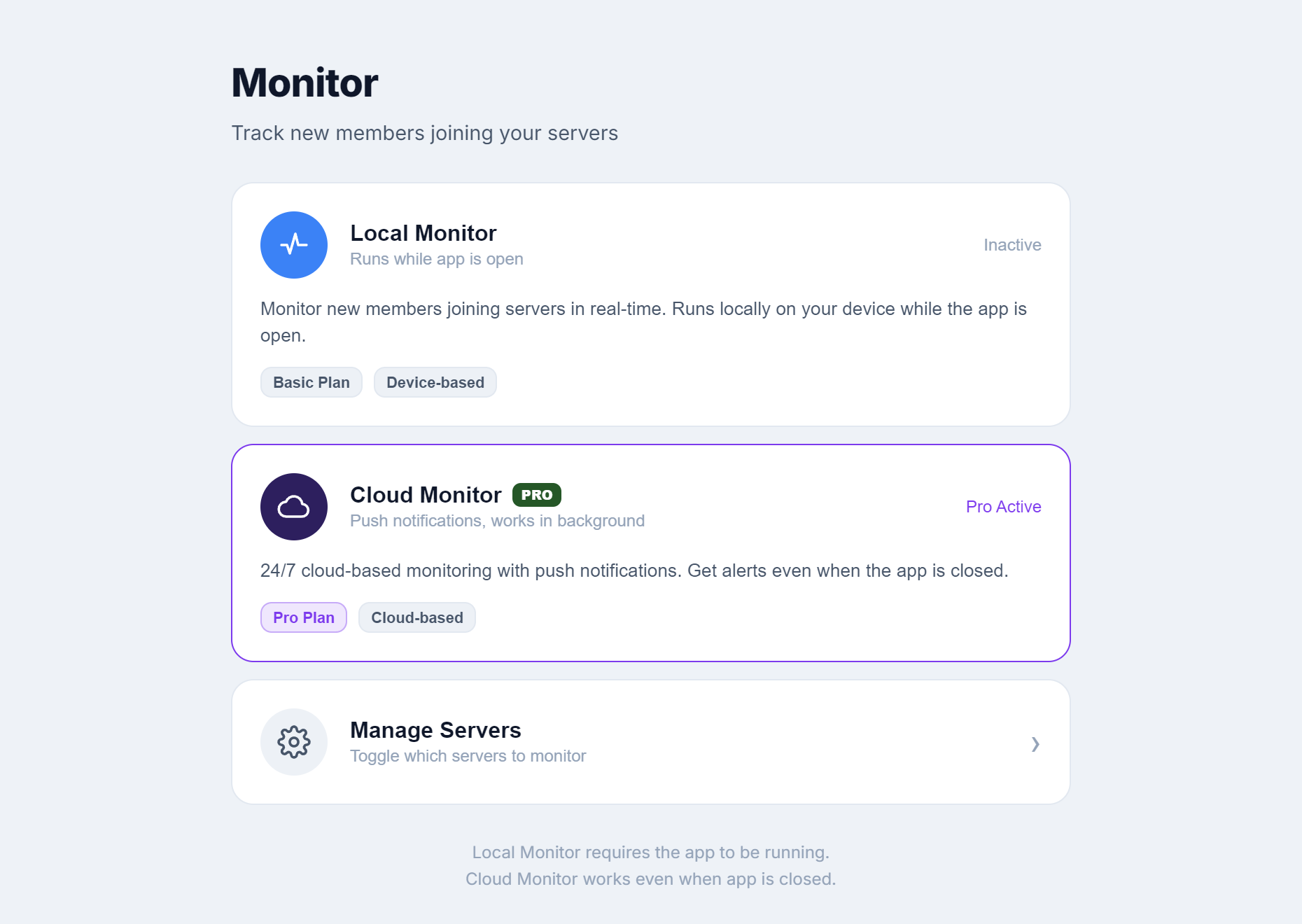
- Open Monitor, pick the servers to watch, and switch monitoring on.
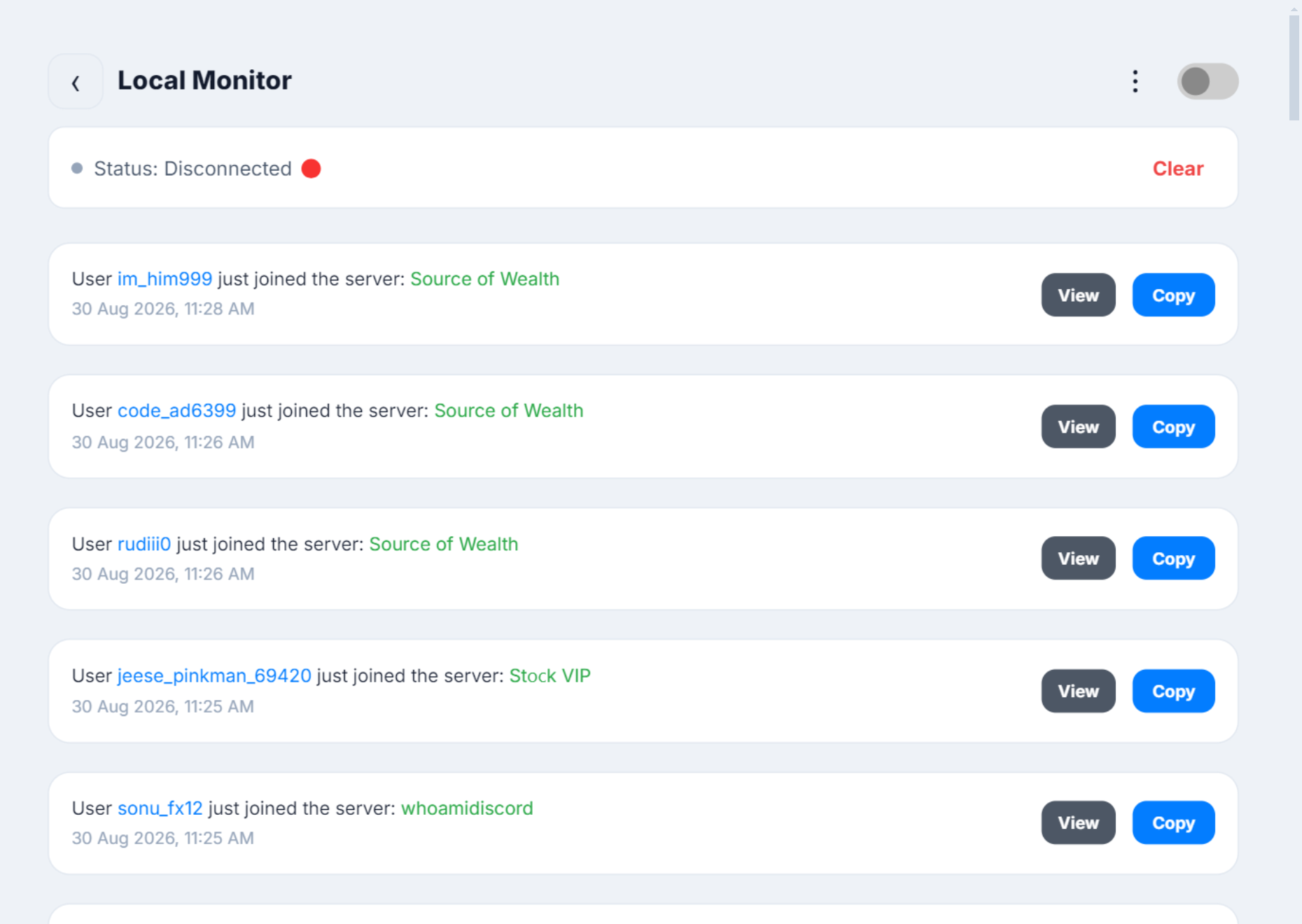
- WiseCord keeps the member list for each server in view. When a new member appears, it posts them to your feed and sends a push notification.
- From the alert, copy the username, open the profile, or add them to the day's export.
On Pro, the monitor runs in the cloud instead of on your device. That is what "24/7 monitoring" means in practice: alerts keep arriving when the app is closed, the phone is in a drawer, or the data is off. Alerts can also be delivered to Telegram, so they show up where you already read messages.
Tracking activity, not just joins
A join tells you someone arrived. Activity tells you whether they stayed. WiseCord's message extraction reads the channels your account can open and groups messages by author, so you can see who the genuinely active members are, what they talk about, and where the recurring topics live. Paired with the member list export, it turns a roster into a ranked list. The walkthrough is in how to track Discord server activity.
What "server monitoring" usually means elsewhere
If you searched for Discord server monitoring and found game-server status bots and uptime monitors, that is because the phrase is shared. Those tools watch whether a Minecraft or Rust server is online and post its status into Discord. That is a different job. This page, and WiseCord, are about the members inside a Discord server, not the health of a machine outside it. The monitoring tools comparison separates the two.
Doing it without getting your account flagged
Tracking is passive: WiseCord reads at a client pace and never posts on your behalf. The risk comes from what people do with the information, mostly rapid friend requests and DMs. The app ships with per-server copy limits and a friend-request cap to keep you inside Discord's thresholds. Read the account safety guide before you start outreach.