 WiseCord
WiseCord vs Statbot: Server Analytics vs Member Export
Part of the Discord admin tools guide
This article is one chapter. The full picture, with the product walkthrough and the comparison table, is on the Discord admin tools page.
Statbot and WiseCord both touch Discord member data, but they answer different questions. Statbot is a server analytics bot for owners and admins: add it to a community you run and it tracks messages, voice activity, and member growth into dashboards, leaderboards, and channel counters. WiseCord is an Android app that exports the member list of a server you belong to into an Excel or CSV file and pings you when new people join — no admin rights needed. If you run the server and want stats, use Statbot; if you're a member who needs the roster in a spreadsheet, use WiseCord.
People searching "Statbot vs WiseCord" or "Statbot alternative" are usually asking one of two things: can this bot give me an analytics dashboard for my community? or can it hand me a downloadable member list? Those are different jobs, and getting the distinction right saves you from paying for the wrong tool. This guide gives Statbot full credit, is honest about WiseCord's limits, and tells you which one — or both — fits your case.
What is Statbot?
Statbot is one of the most established analytics bots on Discord. You invite it to a server the same way you'd add any bot, and from that point forward it records activity and turns it into insights you view in Discord or on Statbot's web dashboard.
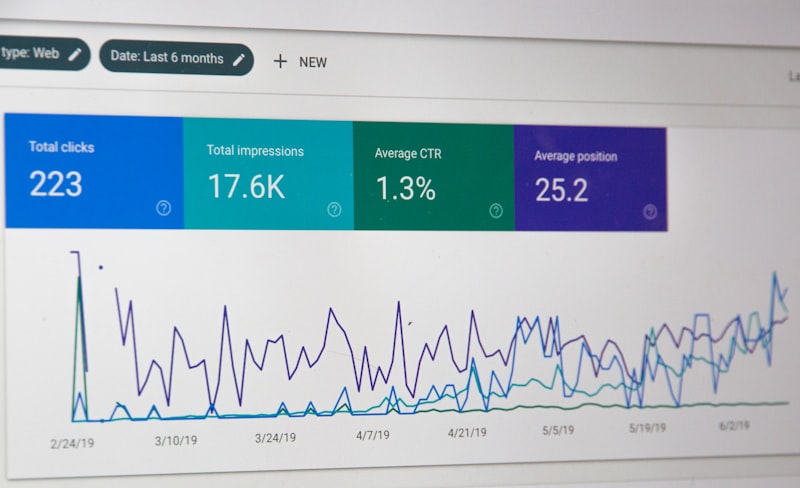
Its tracking covers the metrics owners care about:
- Messages sent, broken down per member and per channel.
- Voice activity — time spent in voice channels.
- Member count over time, so you can see growth and churn.
- Presence and status changes (online, idle, do-not-disturb, offline).
- Game and streaming activity members are showing.
Two features are Statbot's signature. Statdocks are customizable channel counters — live member-count goals, clocks, and other stats displayed in a channel name, with the ability to stack several counters in one channel. Statroles automatically grant or remove roles based on activity thresholds over time, so you can reward active members or flag inactive ones automatically. Statbot also gives you leaderboards through a /top command and, on its premium "Drilldowns" tier, deeper analytics pages that pivot between member and channel views.
Statbot runs on a freemium model with an unusual twist: instead of fixed tiers, you assemble your own subscription from individual upgrades — History (data older than 30 days), Data+ (role filters, activity tracking, heatmaps), Drilldowns (advanced analytics pages plus CSV exports), Statroles+, and Statdocks+. You pay only for the pieces you want, and stacking discounts apply as you add upgrades or commit for longer. Core stats are free. Check Statbot's own upgrade page for current pricing, as it changes.
Credit where it's due: for a server you own, Statbot is a genuinely strong analytics tool, and Statroles and Statdocks are things WiseCord doesn't attempt at all.
What WiseCord does differently
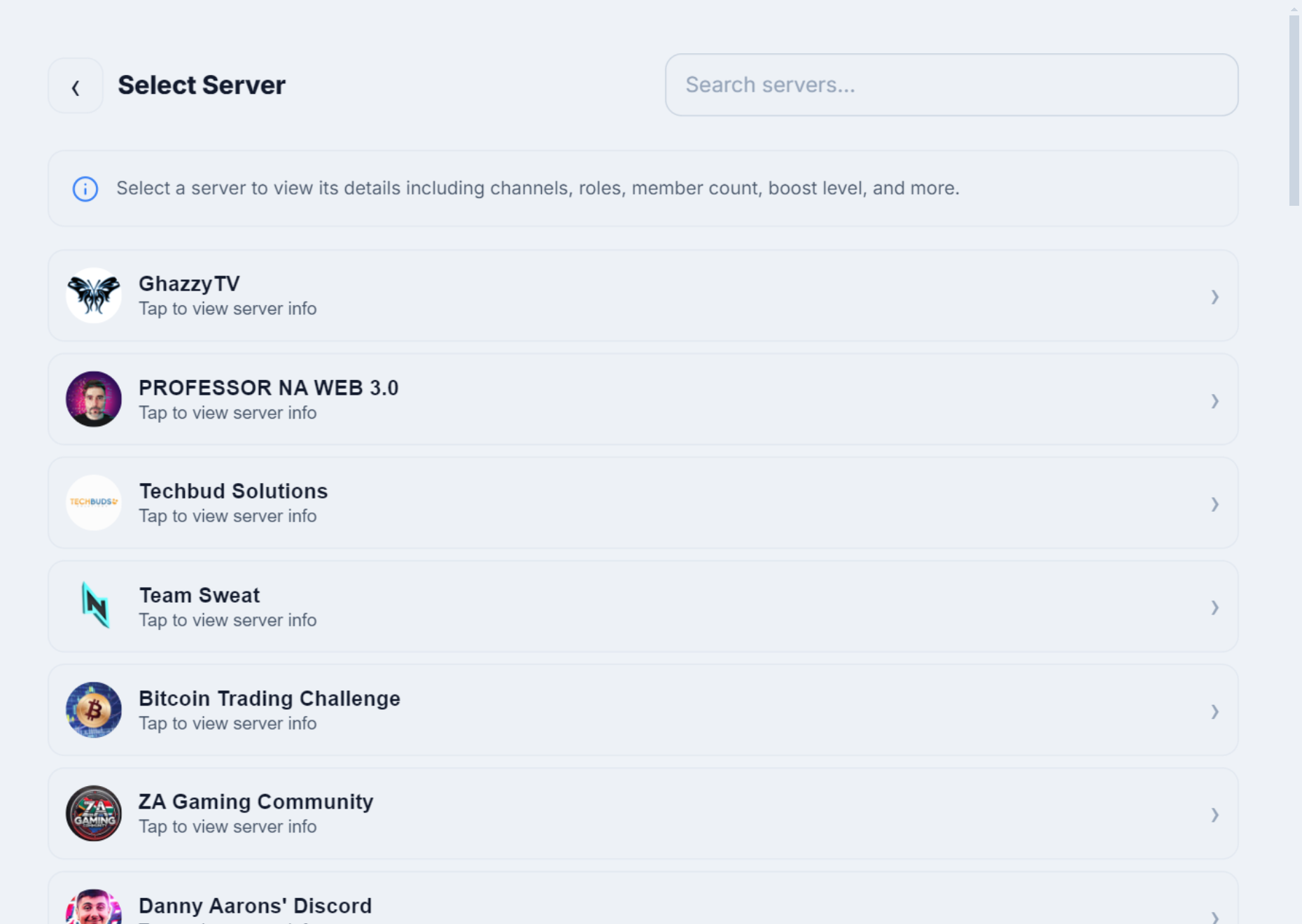
WiseCord isn't an analytics bot and doesn't try to be. It's an Android app built around one core job: giving a regular member — not just an owner — a clean, exportable copy of a server's member list, plus alerts when new members join.
The key difference is how it connects. Statbot joins your server as a bot through Discord's official API, so someone with "Manage Server" has to invite it, and it only ever sees the communities it's been added to. WiseCord instead reads through your own Discord account, structuring the members your account can already see into a file. Its real features:
- Member export to Excel/CSV with structured fields: username, user ID, nickname, roles, join date, and account-creation date.
- One-tap username copy for quick outreach or record-keeping.
- Real-time join alerts — push notifications the moment someone new joins a server you're watching.
- 24/7 Cloud Monitoring (Pro) that keeps tracking joins even when the app is closed or your phone is off.
- Server discovery and message search (Pro).
- a deliberately unhurried pace to keep request pacing conservative, and distribution as a direct APK with a linked VirusTotal scan for transparency.
Plans are a free trial, then Basic at $16/mo and Pro at $25/mo, with discounted 6-month ($105) and 1-year ($185) Pro options.
Being honest about the limits: WiseCord only exports the members your account can see, so very large servers may take longer or need repeated passes; it's desktop and Android (Windows, macOS and Android); rather than using the sanctioned bot API. It also does none of Statbot's in-server work — no analytics, no auto-roles, no counters.
Statbot vs WiseCord at a glance
The table below reflects the real, job-to-job differences — not a rigged scorecard. Each tool wins the rows it was built for.
| Factor | Statbot | WiseCord |
|---|---|---|
| Primary purpose | Server analytics: activity stats, leaderboards, counters | Member-list export to a spreadsheet + join alerts |
| Who it's for | Owners/admins of the community being tracked | Any member of a server, admin or not |
| Needs to be added to the server? | Yes — invited as a bot (requires Manage Server) | No — reads through your own account |
| Data source | Activity it records going forward, after it's added | The current member list your account can see |
| Exports a member roster to Excel | CSV export exists (Drilldowns tier) but it's analytics/top-table data, not a full roster with creation dates | Yes — one-tap.xlsx/CSV: username, ID, nickname, roles, join & creation dates |
| Real-time join alerts | Member-count Statdocks and logs on your own server; no cross-server push alerts | Push alerts on any server you belong to; 24/7 Cloud Monitoring (Pro) |
| Analytics, auto-roles, counters | Yes — dashboards, /top leaderboards, Statroles, Statdocks | No — it reads and monitors, not runs your server |
| Platform | Cloud bot, managed from a web dashboard | Android app (Windows, macOS and Android) |
| Pricing model | Freemium; à la carte upgrades with stacking discounts | Free trial, then Basic $16/mo, Pro $25/mo |
The CSV export question, answered honestly
This is where people most often assume the two overlap. Statbot does have CSV export — it comes with the Drilldowns premium upgrade and unlocks exports on the analytics dashboard plus unlimited members in the top tables. But what it exports is analytics: your most active members, channel activity, drilldown views of the stats Statbot has recorded since it joined your server.
That is not the same as WiseCord's job. WiseCord produces a roster — a straight list of the members currently in a server, each row carrying username, user ID, nickname, roles, join date, and account-creation date — and it does so on a server where you're merely a member, with no bot invited. Statbot can't do that: it only knows about servers it was explicitly added to, and its data is the activity it tracked, not a roster with account-creation timestamps. The two produce different files. Our guide to how to export a Discord member list to Excel shows what WiseCord's output looks like.
When to use Statbot (and when WiseCord fits better)
Here's the plain guidance, no spin:
- Use Statbot if you own or administer the community and want to understand it: who's active, which channels are thriving, how membership is trending, plus automation like activity-based roles and live counters. This is its home turf.
- Use WiseCord if you're a member (not necessarily the owner) of the servers you care about and you need the member list as a spreadsheet, or push alerts when new people join — from your phone, without inviting a bot or touching server settings.
- Use both if you run some communities and simply belong to others. Statbot handles analytics on the servers you administer; WiseCord handles export and join monitoring on the ones you don't. Many operators genuinely want both jobs done.
- Neither substitutes for the other. Statbot won't hand you a roster of a server you don't run, and WiseCord won't give you engagement dashboards or auto-roles.
If you're weighing bots more broadly, see how WiseCord compares to Discord bots in general, or browse the best Discord member export tools.
Frequently asked questions
Can Statbot export a Discord member list to Excel or CSV?
Partly, but not the way WiseCord does. Statbot's Drilldowns premium upgrade unlocks CSV export on its analytics dashboard, covering activity data and top-member tables for a server it's tracking. It does not produce a plain member roster — every current member with username, user ID, nickname, roles, join date, and account-creation date — and only works on a server where the bot was added. For a straight member-list spreadsheet, especially on a server you don't own, WiseCord is built for that.
Do I need to be a server admin to use Statbot?
Effectively yes. Statbot has to be invited to your server, which requires the "Manage Server" permission, and it only tracks communities it's been added to. If you're just a regular member of someone else's server, you can't add Statbot there. WiseCord is the opposite: it works through your own account, so being a member is enough — no invite, no admin rights.
Is Statbot free?
Statbot is freemium. Core statistics work for free, and premium capabilities come as individual upgrades — History, Data+, Drilldowns, Statroles+, and Statdocks+ — that you mix and match, with stacking discounts as you add more or subscribe longer. There's no single fixed tier price; check Statbot's upgrade page for current numbers. WiseCord uses a free trial followed by paid plans (Basic $16/mo, Pro $25/mo).
Can Statbot track members of a server I don't own?
No. Statbot only has data for servers where it's been installed and running, which requires admin-level access to invite it. It can't reach into a community where you're only a member. Monitoring or exporting members of a server you belong to but don't administer is exactly the gap WiseCord fills.
Can I use Statbot and WiseCord together?
Yes, and it's a common combination. They don't conflict because they do different jobs: Statbot gives you analytics and automation on the servers you run, while WiseCord exports member lists and sends join alerts for the servers you're part of — covering both your owner and member roles.
Which is safer for my Discord account?
Statbot uses Discord's official bot API, the sanctioned path, so on a server you own it's the lower-risk option. WiseCord's access through your own account sits in a Terms-of-Service less-travelled path, which is why it applies a deliberately unhurried pace and encourages conservative use. If you need data from servers you don't administer, extract slowly and read our account safety tips first. This isn't legal advice — review Discord's current terms for your own situation.
The bottom line
Statbot and WiseCord aren't really competitors so much as tools for two different seats at the table. Statbot is an excellent analytics bot for people who run Discord communities — stats, growth trends, leaderboards, activity-based roles, and live counters, all on servers you administer. WiseCord is for the person who belongs to servers and needs the member list in a spreadsheet or a heads-up when someone joins, from an Android phone, without admin rights — with the honest caveats that it's desktop and Android, sideloaded, sees only members visible to your account, and lives in a ToS less-travelled path. Decide by your role: analytics on your own server points to Statbot; a member export or join alerts on someone else's points to WiseCord; plenty of people run both. When you're ready, download WiseCord or compare tiers on the pricing page.