WiseCord
Keeping Your Discord Accounts Safe
To keep your Discord account safe while using WiseCord, work at a natural pace, never share your account token, enable two-factor authentication, and let the app's a deliberately unhurried pace do its job instead of forcing rapid extractions. WiseCord is designed to mirror normal Discord client behavior, so the biggest risk usually comes from human habits, not the tool. This guide is for community operators who monitor or export member data and want to do it responsibly.
Why account safety matters with any monitoring tool
Any app that reads member lists, tracks joins, or searches messages is acting on behalf of your account. Discord's platform is built to detect automation-like patterns: bursts of identical requests, unusual traffic volumes, and behavior that no ordinary user would produce. When those patterns trip Discord's anti-abuse systems, the consequences land on your account, not the tool. That is exactly why WiseCord is built to behave like a normal client rather than a scraper racing to finish.
Understanding this distinction changes how you use the app. Safety is not a single switch you flip on; it is the combination of the protections WiseCord ships with and the everyday choices you make. Get both right and monitoring becomes routine. Ignore the human side and no tool can fully protect you.
How WiseCord protects your account
a deliberately unhurried pace
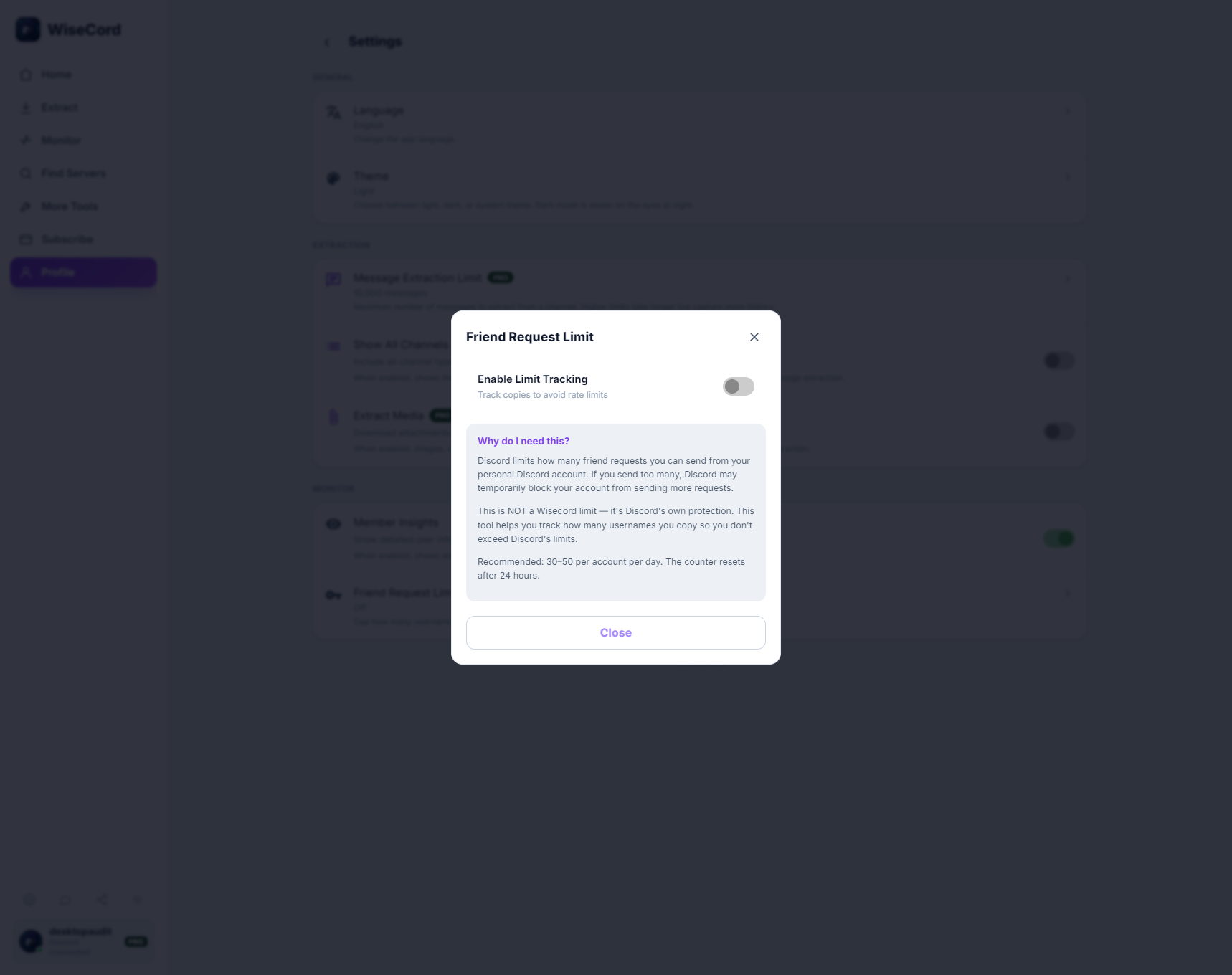
WiseCord automatically respects Discord's rate limits. Rather than firing requests as fast as possible, the app deliberately paces its activity to stay inside the boundaries Discord expects from a normal client. This is why a very large server takes longer to process: the app is intentionally slowing down for safety, not stalling. If you ever feel an export is "taking a while," that patience is the feature working as intended.
Working within normal client behavior
WiseCord is engineered to look and act like ordinary Discord usage. It reads what your account can already see and avoids aggressive patterns that stand out. That design philosophy carries through the whole app, from member export to real-time join alerts, so you are not toggling between a "safe mode" and a "fast mode."
You only see what your account can see
An important honesty point: WiseCord extracts members that are visible to your account. Discord shows online and recently active members by default, so results depend on your permissions and what Discord surfaces, not on the app forcing hidden data into view. This limitation is also a safety feature. Because the app is not trying to pry loose information you cannot normally access, it is not generating the kind of abnormal activity that draws scrutiny. If you want a deeper walkthrough of what shows up and why, the member extraction best practices guide covers it in detail.
Best practices that keep your account healthy
1. Never share your token
Your Discord token is effectively a password that grants full access to your account. Never share it, never paste it into random websites or untrusted apps, and be suspicious of any tool or person that asks for it out of the blue. If you believe your token has been exposed, change your Discord password immediately, which invalidates the old token.
2. Consider a dedicated account for heavy monitoring
If you plan to monitor many servers or run frequent exports, some operators prefer a secondary account so their primary identity is insulated. This is a personal risk-management choice rather than a requirement, but it is a sensible layer for anyone doing high-volume work.
3. Enable two-factor authentication
Turn on 2FA in Discord's settings. It will not change how WiseCord runs, but it dramatically reduces the chance that a leaked password alone can compromise your account. For anyone managing a paid community, 2FA should be non-negotiable.
4. Scale up gradually, not all at once
Start with a handful of servers and increase over time instead of adding dozens on day one. Gradual growth keeps your activity looking natural and gives you a feel for how long exports take on your particular servers. If you manage several communities, the guide on monitoring multiple Discord servers shows how to structure that responsibly.
5. Space out your extractions
You rarely need to re-export the same server repeatedly in a short window. Member lists change slowly, so pulling fresh data on a sensible cadence (rather than every few minutes) is both safer and more than adequate for most workflows.
6. Let cloud monitoring carry the ongoing load
For continuous tracking, WiseCord's 24/7 Cloud Monitoring (Pro) keeps watching for joins even when the app is closed or your phone is off. Because the monitoring runs in a controlled, steady way, it is a calmer alternative to obsessively refreshing the app yourself. You can read how it works in the cloud monitoring explainer.
Safe habits vs. risky habits
| Safer habit | Riskier habit to avoid |
|---|---|
| Exporting on a reasonable schedule | Re-extracting the same server every few minutes |
| Monitoring servers you genuinely operate or care about | Piling on servers you have no real interest in |
| Letting WiseCord's rate limiting set the pace | Running several monitoring tools on one account at once |
| Keeping 2FA on and your token private | Sharing your token or ignoring rate-limit warnings |
What to avoid
- Extracting too frequently. Rapid, repeated pulls are the single most common way people create abnormal activity.
- Monitoring servers indiscriminately. Tracking communities you have no genuine connection to adds noise and risk without benefit.
- Stacking multiple monitoring tools on one account. Layering several automation-style tools multiplies your footprint and undermines WiseCord's careful pacing.
- Ignoring rate-limit warnings. If the app signals it is slowing down, that is guidance, not an obstacle to work around.
If something goes wrong
If Discord shows you a warning or you notice unusual friction on your account, treat it as a signal to pause, not push harder:
- Stop all monitoring and exports immediately.
- Wait roughly 24 to 48 hours before resuming any activity.
- Reduce how many servers you monitor and how often you extract.
- Reach out to WiseCord support if you want help right-sizing your setup.
Cooling down is almost always the right first move. Abnormal patterns fade when activity returns to a natural level, and a short pause is far cheaper than an account problem.
Frequently asked questions
Can WiseCord get my Discord account banned?
No tool can offer an absolute guarantee, because Discord ultimately controls its own platform and its Terms of Service restrict automation. WiseCord reduces risk by respecting rate limits and behaving like a normal client, and most reported issues trace back to human habits like extracting far too frequently or running multiple tools at once. Follow the best practices here and you keep your footprint small.
Is using WiseCord against Discord's Terms of Service?
Discord's ToS restricts automated access to the platform, so tools like this operate in a less-travelled path, and you use them at your own discretion. WiseCord's design choices, especially rate limiting and mirroring normal client behavior, are meant to keep activity conservative. Be honest with yourself about how you use it, and avoid anything that pushes well beyond ordinary usage.
Do I need to share my password or token with anyone?
No. Your token is private and should stay that way. Never hand it to another person or paste it into an untrusted app, and turn on two-factor authentication so a leaked password alone cannot compromise your account. Anyone asking for your token directly should be treated as a red flag.
Does the free trial or Basic plan change how safe the app is?
The same account-safety engineering, including rate limiting, applies across plans. Higher tiers add capabilities such as 24/7 Cloud Monitoring and message search rather than removing safety guardrails from lower tiers. You can compare what each tier includes on the pricing page.
Is WiseCord available on the Play Store?
WiseCord runs on Windows, macOS and Android distributed as a direct APK download rather than through the Play Store, and a VirusTotal scan is linked on the download page for transparency. If you are new to installing an APK, the getting started guide walks through it. When you are ready, you can download WiseCord directly.
Why do large servers take longer to process?
Larger servers take longer precisely because WiseCord slows down to stay within safe limits, and because it only reads members visible to your account. That deliberate pacing is a protective feature. A slower, steady export is far safer than a rapid one that risks tripping Discord's anti-abuse systems.
The bottom line
WiseCord is built with safety in mind, from automatic rate limiting to a design that stays close to normal Discord behavior. Pair those protections with sensible habits, keeping your token private, enabling 2FA, scaling gradually, and pausing at the first sign of trouble, and monitoring becomes a calm, routine part of managing your community. Used thoughtfully, the app lets you focus on your members instead of worrying about your account.