WiseCord
Finding the Right Discord Communities

To find the right Discord communities, start with a clear goal (learning, networking, or growing a paid community), then search using Discord's built-in Server Discovery, category-based directories, and in-app discovery tools. Judge each server by its online-to-total member ratio, moderation quality, and topic relevance before you commit time to it. This guide is for community managers, marketers, and operators who want to join communities that are genuinely active rather than ghost towns.
Discovery is not the same as searching. A keyword search returns thousands of servers with matching names; discovery is the disciplined process of filtering those results down to the handful worth your attention. The difference between the two is where most people waste hours, so the tips below focus on evaluation and verification, not just "where to look."
Where Discord Communities Actually Live
There is no single map of every Discord server, which is what makes discovery tricky. Servers surface through a few distinct channels, and each has its own strengths and blind spots:
- Discord's built-in Server Discovery — the compass/magnifying-glass icon in the app. Only servers that meet Discord's eligibility bar (a minimum member count, no recent safety strikes, Community features enabled) appear here, so it skews toward larger, established communities.
- Third-party directories — sites like Disboard, Top.gg, and Discadia let owners list servers with tags and bump them up the rankings. Coverage is broad, but listings are self-reported and often stale.
- Social and word of mouth — invite links shared on X/Twitter, Reddit, YouTube descriptions, and niche forums. This is where new and invite-only communities appear before they are big enough for Discovery.
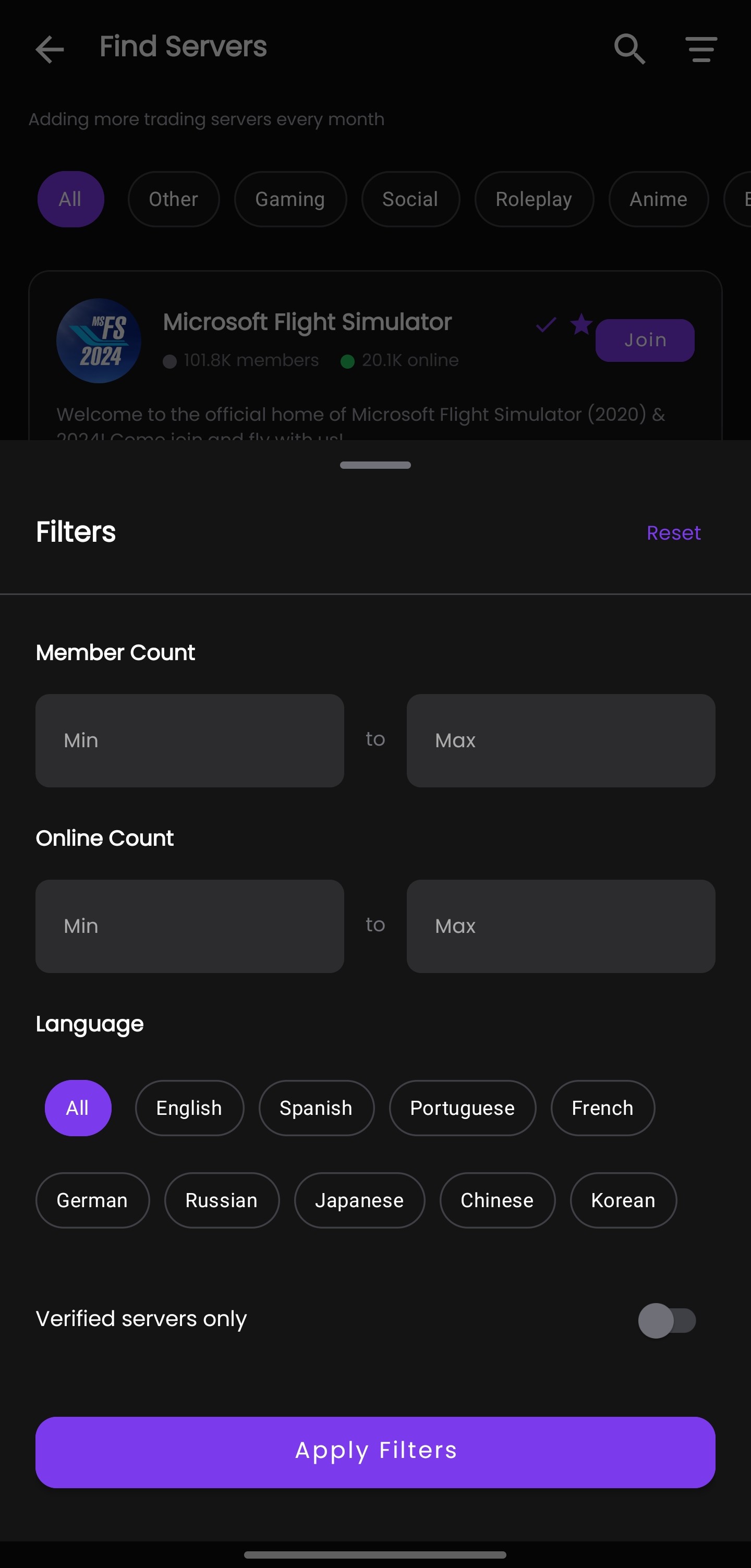
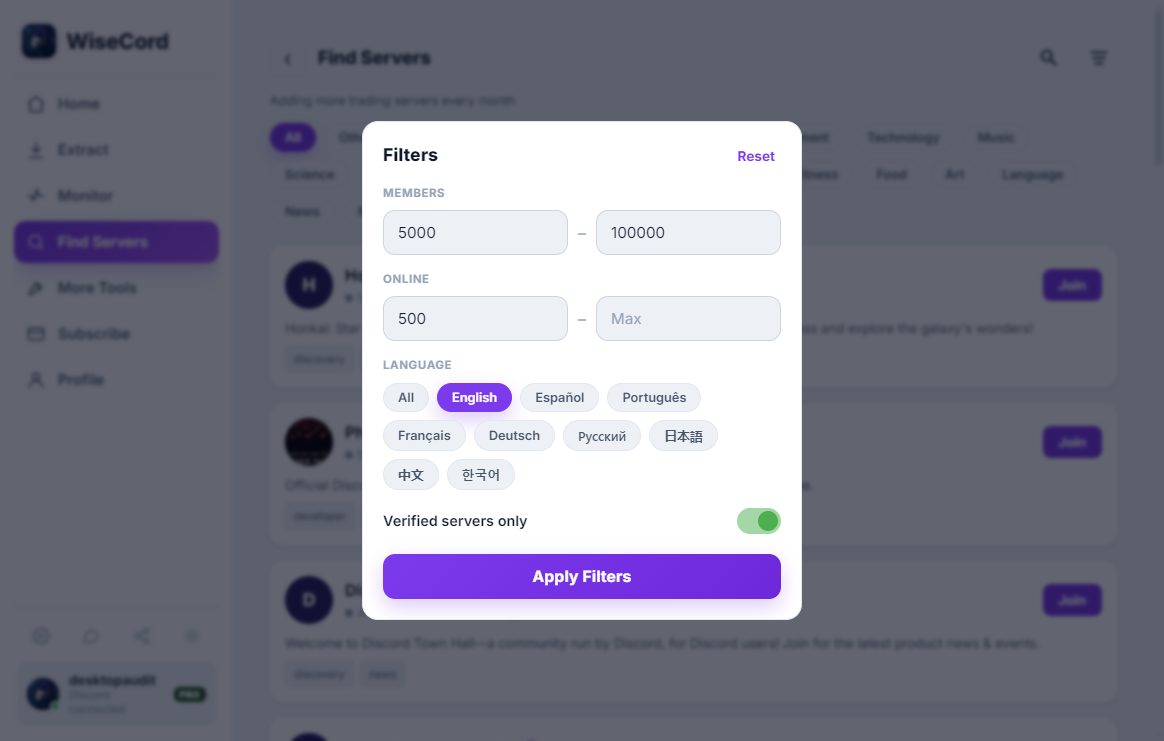
- In-app discovery tools — apps such as WiseCord let you browse and find servers by category from one place, then keep the promising ones under ongoing observation instead of losing them in a sea of open tabs.
The best approach uses more than one channel. A server that ranks well on a directory but that you have never seen mentioned socially deserves a second look; a community with genuine buzz will usually show up in several places at once.
Comparing the Ways to Find Servers
Each discovery method trades reach against reliability. Here is an honest side-by-side so you can pick the right tool for the job.
| Method | Strengths | Limitations |
|---|---|---|
| Discord Server Discovery | Official, safety-vetted, shows real member counts | Only eligible larger servers; limited niche coverage |
| Directories (Disboard, Top.gg) | Huge breadth, tag-based search, includes small servers | Self-reported listings, "bump" gaming, stale entries |
| Social / word of mouth | Finds brand-new and invite-only communities early | Unstructured; easy to lose links; harder to verify quality |
| WiseCord discovery + monitoring | Browse by category, then track join activity over time in one app | Android app; monitoring shows members visible to your own account |
How to Judge a Server Before You Invest Time
Member count is the number everyone looks at first, and it is the least useful in isolation. A server with 50,000 members and 200 people online is a billboard; a server with 3,000 members and 400 online is a conversation. Use these signals instead.
Activity Level
Check the ratio of online (or recently active) members to total members. Healthy communities usually sit somewhere in the low tens of a percent online at any given time; anything far below that is either padded with inactive joins or coasting on old growth. Then open the busiest channels and read the timestamps — real activity means recent, back-and-forth conversation, not a single announcement from last week.
Community Quality
Well-run servers announce themselves through structure: a clear rules channel, sensibly named topic channels, active moderators, and a welcome flow that explains where to go. Scan the recent messages for spam, unanswered questions, and how staff handle conflict. A tidy channel list with dead conversations is a warning sign; a slightly messy server full of genuine replies is usually the better bet.
Relevance and Intent
The right community is the one that matches why you are there. If you run trading signals, coaching, or an NFT or crypto community, you are looking for engaged, on-topic members, not raw headcount. Read the pinned messages and the last day of chat to confirm the server actually discusses what its tags promise — a lot of listings are aspirational rather than accurate.
Red Flags to Skip
- Aggressive DM invites or "make money fast" pitches the moment you join.
- Verification gates that ask for wallet connections, seed phrases, or payment before you can see any channels.
- Thousands of members but almost no human conversation — a classic sign of bought or bot-inflated numbers.
- No visible moderation and a channel full of unfiltered spam.
Practical Tips and Best Practices
- Define the goal first. "Communities where people discuss forex strategy" filters far better than "trading servers." A specific intent turns a vague search into a shortlist.
- Use precise, niche keywords. Broad terms return inflated, generic results; specific ones surface the smaller communities where real conversation happens.
- Lurk before you engage. Spend a day reading before you post. You will learn the culture, the rules, and whether the activity is genuine.
- Keep a shortlist, not a hoard. Joining forty servers guarantees you ignore thirty-nine. Track a handful and revisit them.
- Watch growth over time. A community's join pattern tells you more than a static count. If you want to confirm a server is still growing after you find it, you can track its activity rather than guessing.
- Verify links before clicking. Only follow invite links from sources you trust, and be wary of look-alike server names impersonating popular communities.
Turning Discovery Into Ongoing Insight
Finding a good server is the start, not the finish. Discovery gives you a snapshot; what you usually want is a trend. With WiseCord you can browse and find communities by category, and for servers you join you can turn on real-time join alerts so you get a push notification whenever someone new joins a monitored server. On the Pro plan, 24/7 cloud monitoring keeps that tracking running even when the app is closed, so a fast-growing community does not slip past you.
This matters most for operators evaluating where to spend their own marketing effort. If you are deciding which communities are worth partnering with or building presence in, watching join velocity over a couple of weeks is far more honest than a one-time member count. One important limitation to keep in mind: monitoring reflects the members and activity visible to your own account — Discord surfaces online and recently active members by default, and larger servers take longer to survey because WiseCord deliberately rate-limits its requests to keep your account behaving like a normal client. If you are new to the app, the getting-started guide walks through setup.
Frequently Asked Questions
How do I find niche Discord servers that aren't in Discovery?
Discord's built-in Discovery only lists servers that meet its eligibility requirements, so most small and specialized communities never appear there. Use tag-based directories like Disboard and Discadia, search niche subreddits and X/Twitter for invite links, and browse category-based discovery in apps like WiseCord. Combining two or three sources gives far better coverage than any single one.
Is joining lots of Discord servers safe for my account?
Joining public servers is a normal use of Discord, but joining many in a very short window, or clicking suspicious invites, can trigger friction or safety checks. Space out your joins, only follow invite links from sources you trust, and never connect a wallet or share credentials to "verify." WiseCord is built to work within normal client behavior and uses rate limiting for exactly this reason.
What makes a Discord community "good" to join?
A good community has a healthy online-to-total member ratio, recent back-and-forth conversation in its main channels, clear rules, and active moderation. Relevance matters more than size — a smaller server full of on-topic discussion beats a huge, quiet one. Watch out for servers with big member counts but almost no genuine human activity.
Can WiseCord tell me how active a server is?
WiseCord helps you find servers by category and, for communities you join, monitor new-join activity through real-time alerts and 24/7 cloud monitoring. It reflects members and activity visible to your own account, so it is best understood as a way to observe growth trends over time rather than a full analytics dashboard. For a broader look at monitoring, see how WiseCord's discovery works.
Do I need the paid plan to discover and monitor servers?
Server discovery and real-time join alerts are core features, and there is a free trial so you can try the workflow before committing. The main upgrade that helps with ongoing monitoring is 24/7 cloud monitoring on the Pro plan, which keeps tracking joins even when the app is closed. You can compare the tiers on the pricing page.
Is WiseCord available on iPhone?
No — WiseCord runs on Windows, macOS and Android, distributed as a direct APK download rather than through the Play Store, with a VirusTotal scan linked on the download page for transparency. If you are on Android and want to try the discovery and monitoring workflow, you can download WiseCord and start with the free trial.
Conclusion
Server discovery is a filtering skill, not a search trick. Set a clear goal, pull from several sources, and judge each community by its real activity and moderation rather than its headline member count. Once you have found the communities that matter, keep an eye on how they grow so your attention follows the servers that stay alive — that is where discovery turns into a lasting advantage.